Clarity is just around the river bend.
Clear Waters - Content Calendar
Couldn't load pickup availability
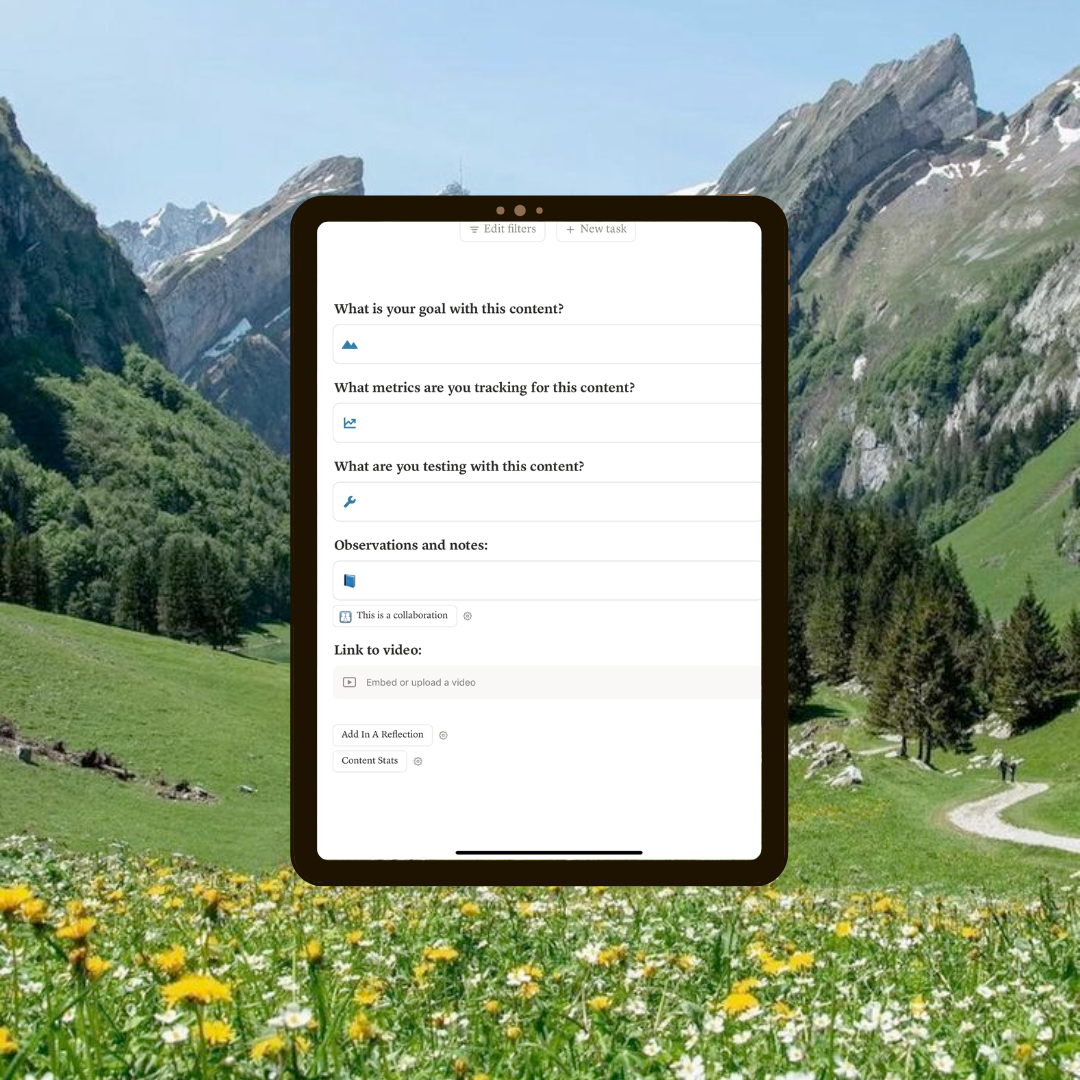
Need a space to strategize and contain all your content ideas in one, central place?
Clear Waters supports aspiring creators in organizing and brainstorming to ensure consistency and clarity across all your content.
What's included:
Content roadmap
Goal setting and daily planning
Your brand kit
Content calendar
Content idea space
Series idea space
Collaboration space - for when brands want to work with you!
To do list
Idea jar
Inclusions:
- 1 Notion Template
- Detailed set up instructions
- Plan Your Content
- Develop A Strategy
- Get Inspired To Create
Share

Stop overthinking and start creating.
Your Content, Your Way
Everything you need to know
FAQs
Do I need to be a professional creator to use this template?
Not at all! This template is for creators of all kinds. Whether you’re just starting out or have been creating for years, Clear Waters has something for you.
Can I get a refund?
Because of the nature of digital downloads we don't offer refunds or exchanges. But if you have any questions before the purchase we're happy to hop on a call and give you the full tour.
Can I get support throughout the process?
Yes! We offer an consultation service if you would like to work through the process with someone else. If that's not something you're interested we are always here to support you through each stage of the process. Just reach out to support@findyourflowe.com!
How do I use a Notion template?
Notion is a powerful all-in-one workspace that allows you to take notes, manage projects, and organize your workflow with customizable pages and databases. It’s perfect for creatives who want flexibility and structure in their planning process.
To use the CPP Notion template (you will also be provided with detailed instructions with the purchase:
- Sign up for a free notion account.
- Access the Template – Click the link provided to open the Notion template.
- Duplicate to Your Workspace – In the top right corner, click “Duplicate” to add the template to your own Notion workspace.
- Customize as Needed – Once in your workspace, you can personalize the template by renaming sections, adding details, and adjusting the layout to fit your workflow.
- Start Planning! – Use the template to map out your creative projects, track progress, and stay organized.
Notion is accessible on desktop and mobile, so you can work on your projects anytime, anywhere.
We have a detailed blog postwalking you through these exact steps and each purchase comes with a complimentary set up call.

Do I get lifetime access?
Absolutely! Pay once, use forever.
Why we chose to work through Notion
- Such a great way to share information in an in depth and intractable way.
- Fully customizable and editable
- Online integrations and sharing options
- Connect all of your work with relations and synced blocks
- Easily access all your creative work with any device at any time
- Lifetime access - once it's yours, its yours forever
Explore More From flowē
-
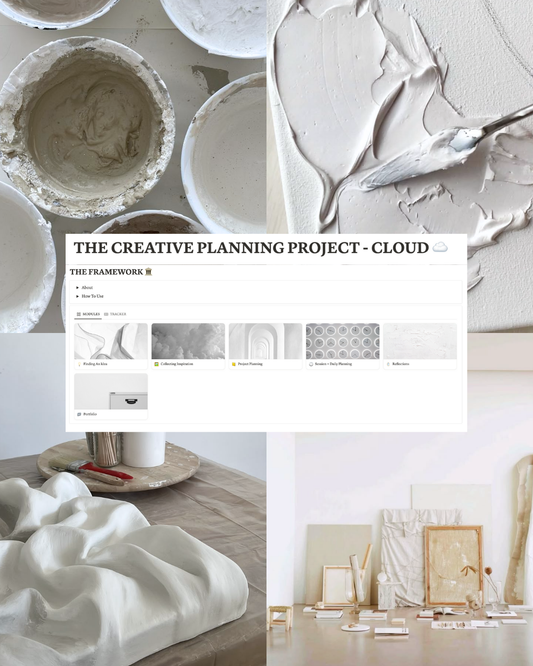
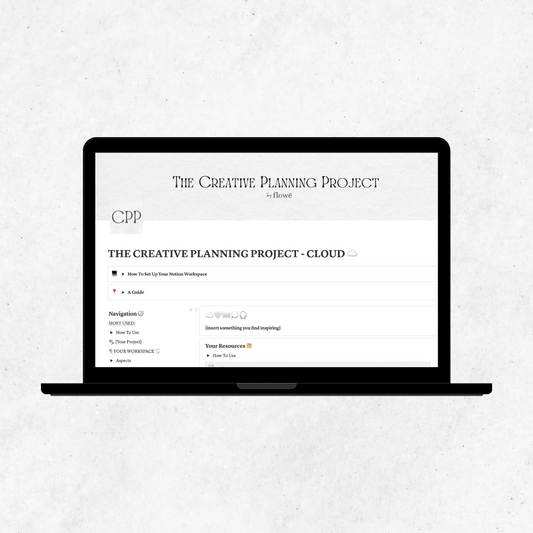
THE CREATIVE PLANNING PROJECT - CLOUD EDITION
Regular price $34.99 CADRegular priceUnit price / perSale price $34.99 CAD -
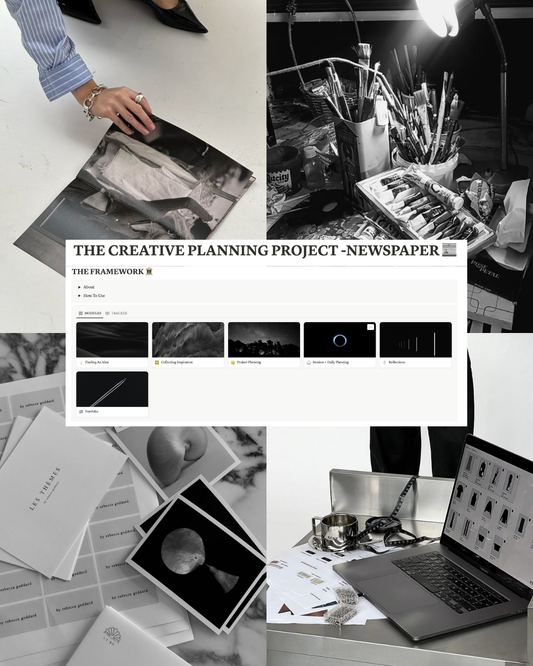
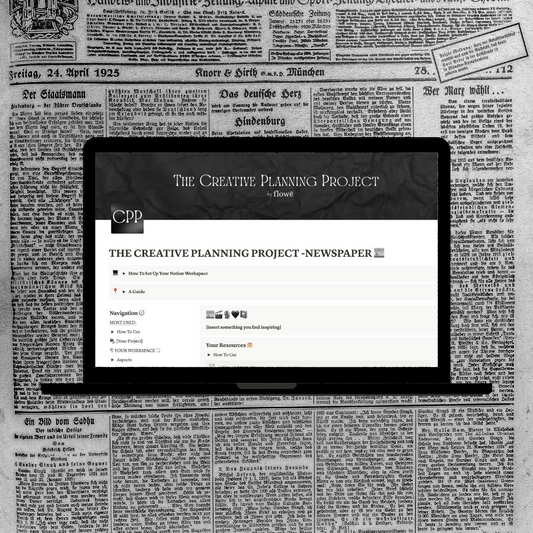
THE CREATIVE PLANNING PROJECT - NEWSPAPER EDITION
Regular price $34.99 CADRegular priceUnit price / perSale price $34.99 CAD -
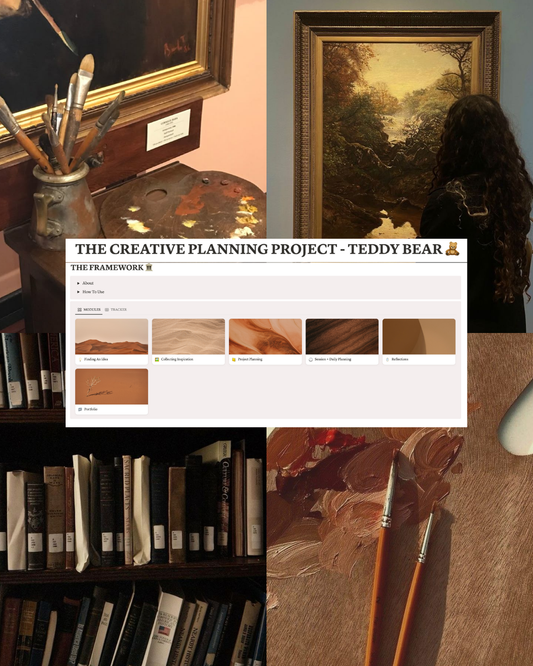
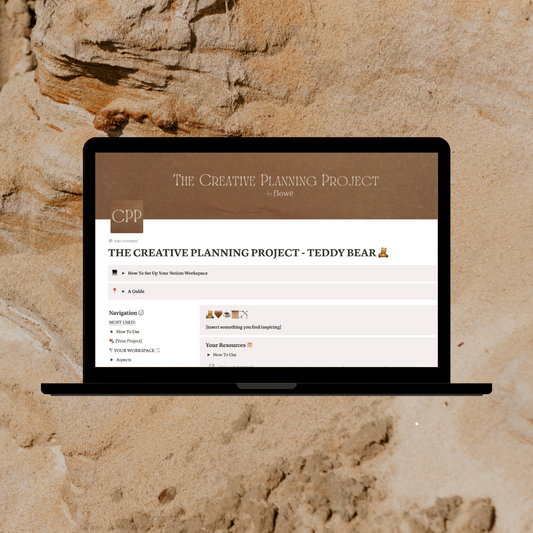
THE CREATIVE PLANNING PROJECT - TEDDY BEAR EDITION
Regular price $34.99 CADRegular priceUnit price / perSale price $34.99 CAD -
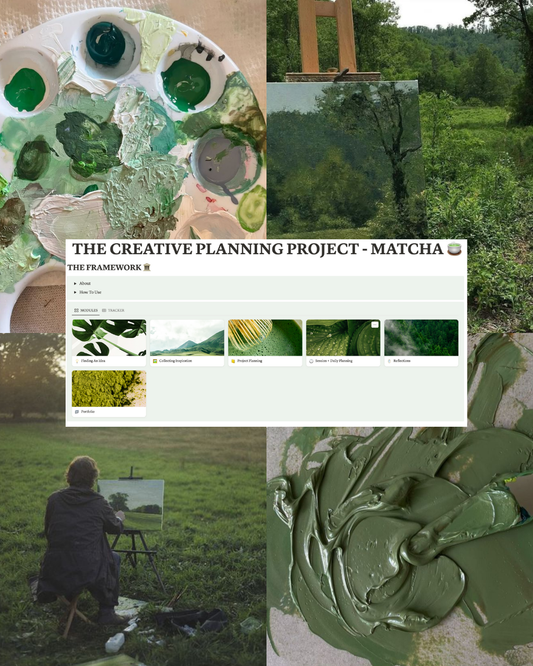
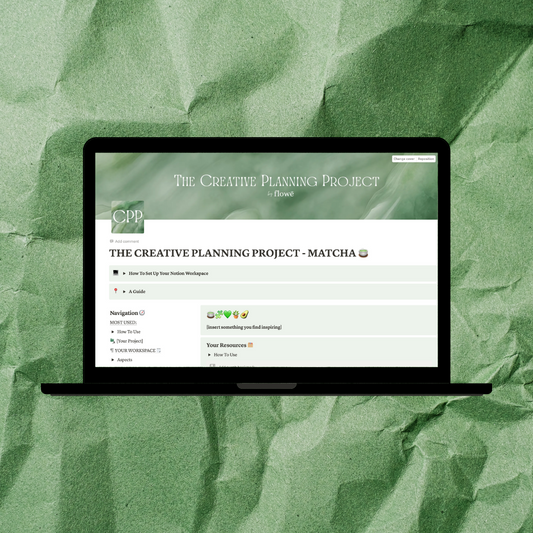
THE CREATIVE PLANNING PROJECT - MATCHA EDITION
Regular price $34.99 CADRegular priceUnit price / perSale price $34.99 CAD